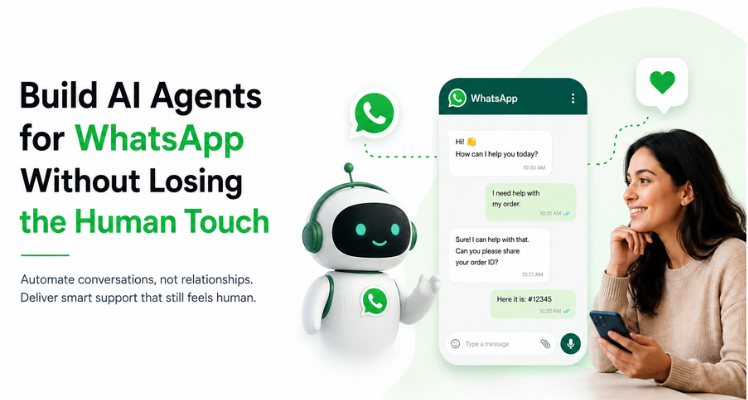
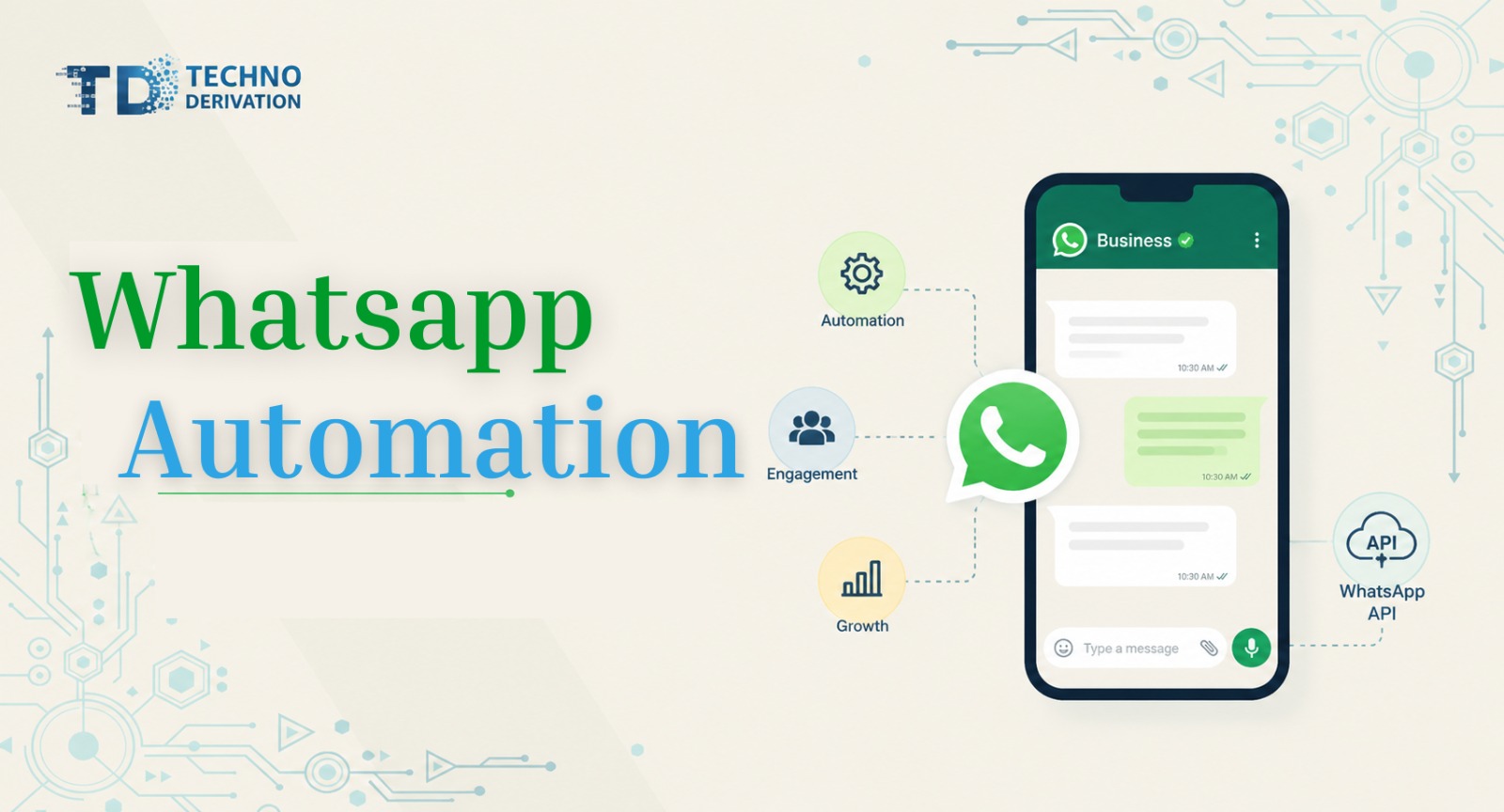
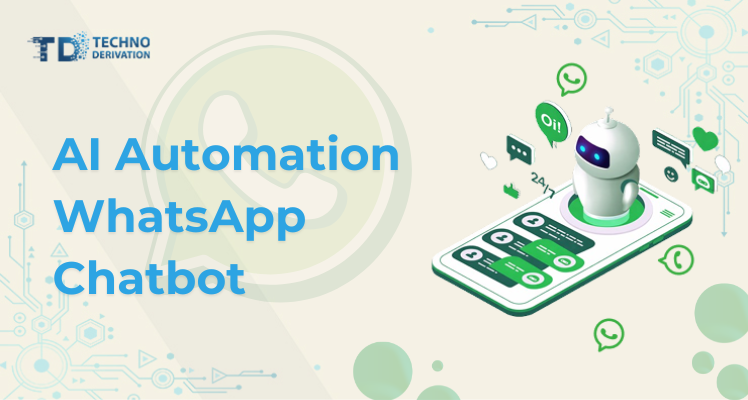
 WhatsApp isn’t a supplementary channel now – for millions of enterprises across the United States and worldwide, it’s the main doorway. Users use it to post questions, follow up on purchases, ask for cancellations, and make appointments, and complain if there’s a problem. The expectation is that they will get a response within minutes and not days.
That expectation is exactly where most support teams start to crack. Message volume spikes around promotions, holidays, or product launches, and a purely human team simply can’t keep pace without burning out or making customers wait. This is the gap that solutions are built to close: software that reads incoming messages, understands what the customer actually wants, and either resolves the request instantly or hands it off to a human agent with full context attached.
This article will explain what WhatsApp AI agents actually are, how to set one up correctly, and how to keep the AI feeling human rather than robotic. That can be one of the biggest factors in the acceptance of WhatsApp by customers.
The confusion that exists within this field stems from the fact that people lump every automated WhatsApp tool under the umbrella of “chatbot.” That’s outdated. There’s a distinct difference between three levels of automation:
That third category is what most businesses mean today when they talk about AI automation for WhatsApp – sometimes described in the industry as agentic AI: systems with a degree of autonomy, reasoning ability, and access to real tools, rather than a static script pretending to be intelligent.
To understand why a well-built AI agent feels less “robotic” than a 2015-era chatbot, it helps to know the three technical layers working together:
In combination, these three layers help the AI agent to go far beyond just matching keywords. It can read meaning and not just words. That is what’s necessary in a platform such as WhatsApp that has messages that are brief, casual, and sometimes lacking context.
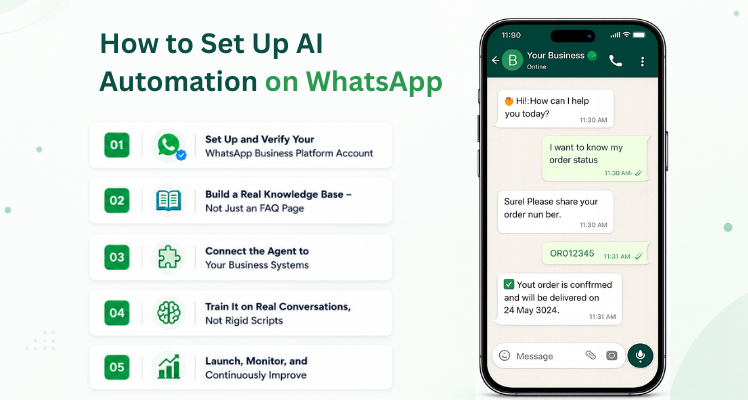 Rolling out a WhatsApp AI agent works best when you treat it as a structured project, not a plug-and-play toggle. Here’s the realistic sequence most companies follow.
Before any automation happens, the channel itself needs to be properly configured. This typically involves:
Many businesses choose to work with an official WhatsApp Business Solution Provider (BSP) for this step, since it removes a lot of the trial-and-error around approvals, numbering, and template policy.
This is the part people underestimate. A computer-generated agent is capable of what information it is able to draw. In WhatsApp particularly, users compose brief, simple messages that switch between different topics, which means that the agent must have a strong knowledge base to be able to provide accurate responses instead of relying on standard responses.
At minimum, this means feeding the system:
An AI agent that can only talk but can’t do anything is just a smarter FAQ page. The real value shows up when it’s integrated with your CRM, order management system, or ticketing software – so it can check an order status. reschedule an appointment or update a customer record in real time instead of just describing how the customer could do it themselves.
Instead of building out decision trees, modern setups train the agent to recognize intent and operate inside clear guardrails: what it’s allowed to do, what requires human approval, and when it needs to hand off the conversation. Testing should use real, messy examples – incomplete sentences, topic changes mid-conversation, frustrated customers, and urgent requests – because that’s what actual WhatsApp traffic looks like.
Going live isn’t the finish line – it’s the start of a feedback loop. Teams typically monitor:
Every week of real conversation data is an opportunity to refine the knowledge base and sharpen how the agent responds.
Another idea worth including in your automated strategy is what we call Techno Derivation the algorithms and the signals that determine when a conversation is ready to be transferred to AI or a human. Instead of a simple cutoff (“after three failed responses or transfer”), an advanced machine detects signals such as a shift in sentiment, frequent disorientation, sensitive topics, or even a solicitation to connect to a person and then responds in a manner that is appropriate.
This is different from a basic fallback rule, and it matters because a badly timed handoff is one of the fastest ways to damage trust in automation. If the AI holds on too long, the customer gets frustrated. If it hands off too early, you lose the efficiency gains automation was supposed to deliver. Getting techno-derivatives right is really a balancing act between automation confidence and customer patience – and it should be tuned continuously, not set once and forgotten.
Early in the build process, it’s worth doing a single, deliberate exercise often referred to as Techno Derivation mapping – sitting down and documenting, topic by topic, exactly which conversation types the AI agent should never attempt to resolve alone (legal disputes, payment disputes over a certain amount, account security issues, etc.). This is a one-time configuration step, but it has an outsized impact: it’s the safety net that keeps automation from overstepping into territory where a human judgment call is genuinely required.
Done well, this handoff should carry full context with it – conversation history, detected intent, and what’s already been tried – so the human agent isn’t asking the customer to repeat themselves from scratch.
No automation system resolves 100% of conversations, and it shouldn’t try to. The goal isn’t zero human involvement – it’s making sure humans spend their time on the conversations that actually need a person.
Two things need to work well here:
When this works, customers rarely notice the “switch” from AI to human at all – they just experience a fast, competent response either way.
Automation without measurement is a guess. Once your AI agent is live, tracking the right metrics tells you where to improve next. Businesses running AI automation WhatsApp programs typically watch:
Reviewing actual conversation transcripts regularly is just as valuable as watching dashboards – it’s where you catch tone problems, knowledge gaps, and edge cases that numbers alone won’t show you.
Companies that get this right tend to see improvement across three areas at once:
The exact numbers vary by industry and starting point, but the pattern is consistent: automation that’s built around good escalation logic, not just fast replies, is what actually moves the needle.
Before jumping in, it’s worth answering three honest questions:
There’s no universal magic number, but the signal is repetition: if the same handful of questions eat up hours of agent time every single day, automation has a clear return on investment.
This comes down to defining a clear voice, firm rules, and ongoing supervision. The AI agent shouldn’t be inventing your brand identity – it should be executing it consistently, message after message.
The AI should never leave a customer stuck. It needs to know how to ask for help, hand off with context, and leave a trail that helps you improve the system going forward.
If you can answer all three clearly, you’re in a strong position to launch AI automation on WhatsApp without sacrificing the customer experience your brand has built.
Is AI automation on WhatsApp expensive to set up?
Costs vary widely depending on volume and integration complexity, but most providers offer tiered plans, so small and mid-sized businesses can start with a limited use case (like FAQs or order status) before expanding.
Will customers know they’re talking to AI?
Best practice – and in many regions, a legal requirement – is disclosing when a customer is chatting with an AI agent, while still keeping the tone natural and helpful.
Can AI agents handle sales, not just support?
Yes. Many businesses use WhatsApp AI agents to qualify leads, answer product questions, and guide customers toward checkout, handing off to a human only when the deal needs a personal touch to close.
How long does it take to launch a WhatsApp AI agent?
A focused, well-scoped rollout can go live in a few weeks; more complex integrations with CRM or ERP systems typically take longer.
AI automation on WhatsApp isn’t about replacing your team – it’s about giving them room to focus on the conversations that actually need a human. The businesses seeing the best results treat this as an ongoing system: a strong knowledge base, clear escalation rules (your techno-derivatives), a solid one-time Techno Derivation mapping exercise up front, and continuous measurement afterward.
Get that foundation right, and WhatsApp stops being a source of stress for your support team – and becomes one of your most efficient, highest-converting channels.






































Multiple lines of text that form the lede, informing new readers quickly and efficiently about what’s most interesting in this post’s contents.
Get Free Consultation Call

Shipra Path, Mansarovar, Jaipur, Rajasthan - 302020, India
+91 95498 28228
Newsworld, 30 Charles St,Leicester LE1 3FG, United Kingdom
sales@technoderivation.com
Street J82 Road L125 Garden Street 2 Plateaux Vallons Cocody Abidjan
info@technoderivation.com